01
Snap + measure
Teach Dazzl the size.
Photograph your piece with a card, quarter, or ruler. Drag two dots, and Dazzl calculates how many stones fit.
Photograph the thing, match your stone size, choose a pattern, and get a gem-by-gem plan that fits before you place a single rhinestone.

The site is loud. The app is practical: plan a project in five clear steps, browse every pattern, and keep finished work together.
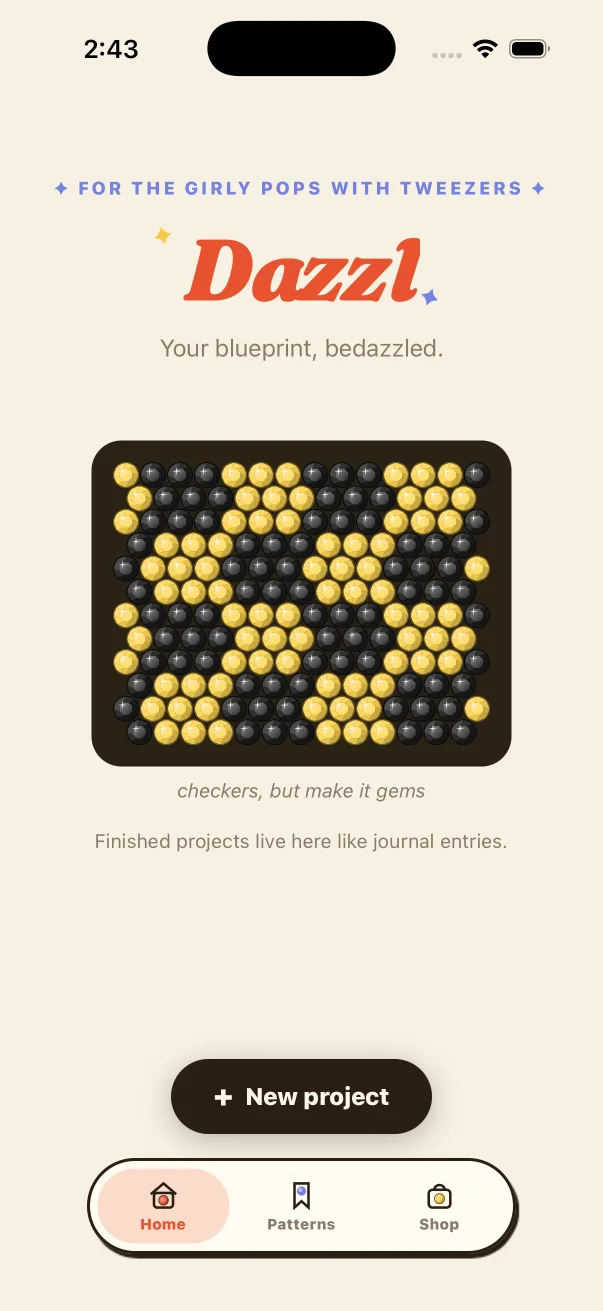
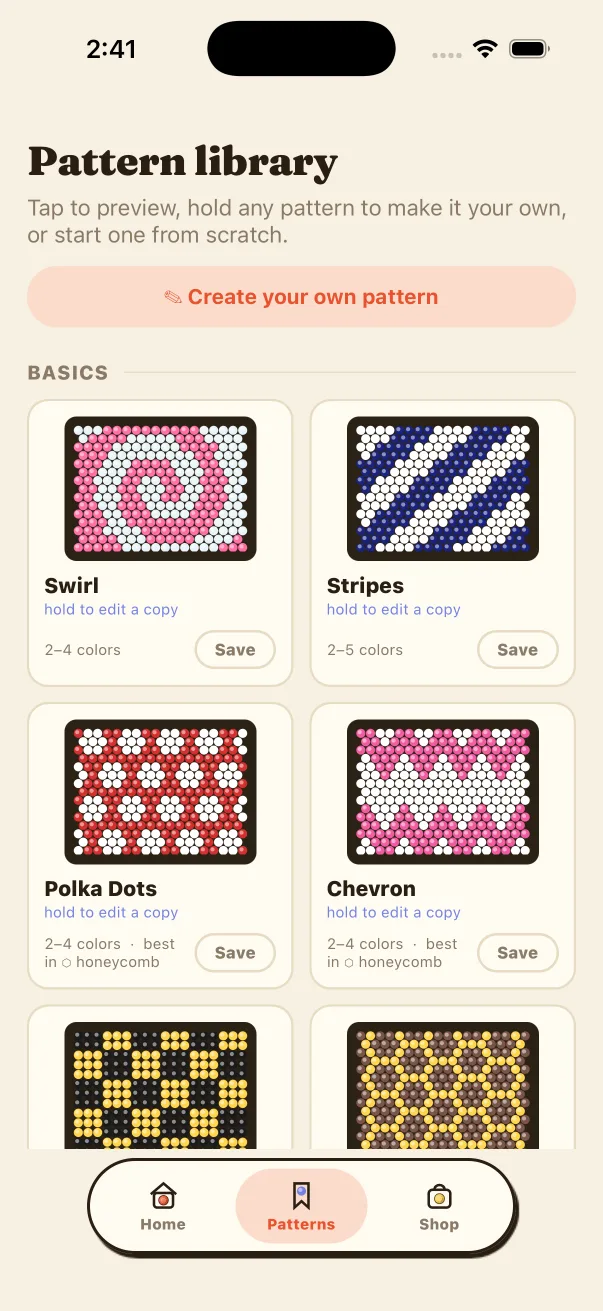
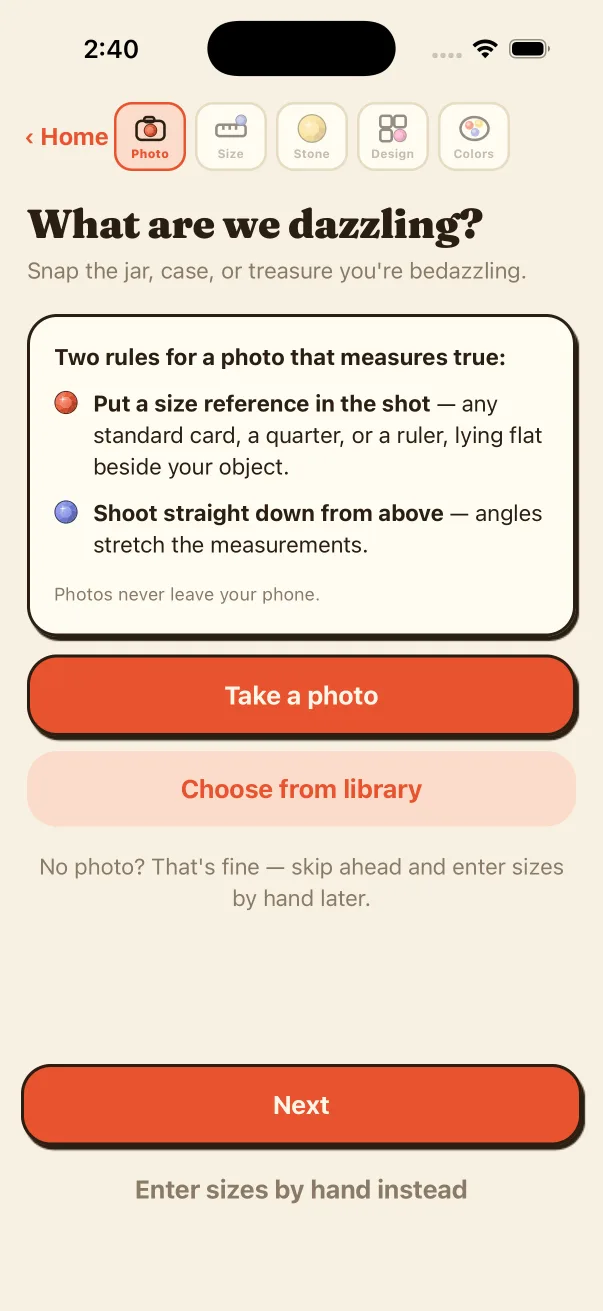
This little demo uses the same faceted-gem recipe as Dazzl. Pick a pattern and switch the layout—the blueprint updates with it.
No rulers required. No spreadsheet. No counting the same row six times.
Photograph your piece with a card, quarter, or ruler. Drag two dots, and Dazzl calculates how many stones fit.
Set a real stone on the screen.
Dazzl draws stones at true physical size. Put one on your screen and tap the circle it covers.
Start with 35 patterns, turn a photo into stones, draw from scratch, or build a custom repeating tile.
See the finished mockup, print the chart, buy exact quantities, and follow each row without losing your place.
Every pattern is procedural, so it resizes to your object instead of stretching a little picture until it looks weird.
Plus checker, polka dots, argyle, tweed, butterflies, lightning bolts, marble, zebra, starfield, and a lot more.
Dazzl does more than make a pretty preview. It stays useful all the way to the last stone.
Preview the real colors and stone layout on the shape you measured.
Add letter symbols for black-and-white printing. Every cell stays readable.
Exact counts by color, plus about 10% extra for the stones that escape.
Dazzl reads each run in order and remembers exactly where you stopped.
Turn a bold photo into stones, draw right in the app, or make a custom repeating pattern tile. Dazzl snaps the result to the colors you actually own.
Phone cases, tumblers, jars, bags, shoes, jackets—anything with a measurable area you can cover in flatback stones. Curved surfaces are approximated as flat, so Dazzl includes spare stones in the count.
Nope. After a quick one-time screen calibration, Dazzl shows each SS size at true physical scale. Place one of your stones on the screen and tap the match.
Yes. Bold, simple, high-contrast images work best. You can crop, zoom, adjust color, and preview the stonified result before generating the project.
Yes. Choose your owned colors or add custom ones. Dazzl perceptually matches the pattern or image to only those colors and counts each one.
No. The whole app runs on your phone, including the pattern math and image processing. There are no accounts, uploads, ads, or analytics.
Never. Dazzl will launch at $4.99 once. Pay once, sparkle forever.
Launching at $4.99 once. No subscription, no account, no uploads.
Tell me when Dazzl lands Made for iPhone · everything runs on-device